
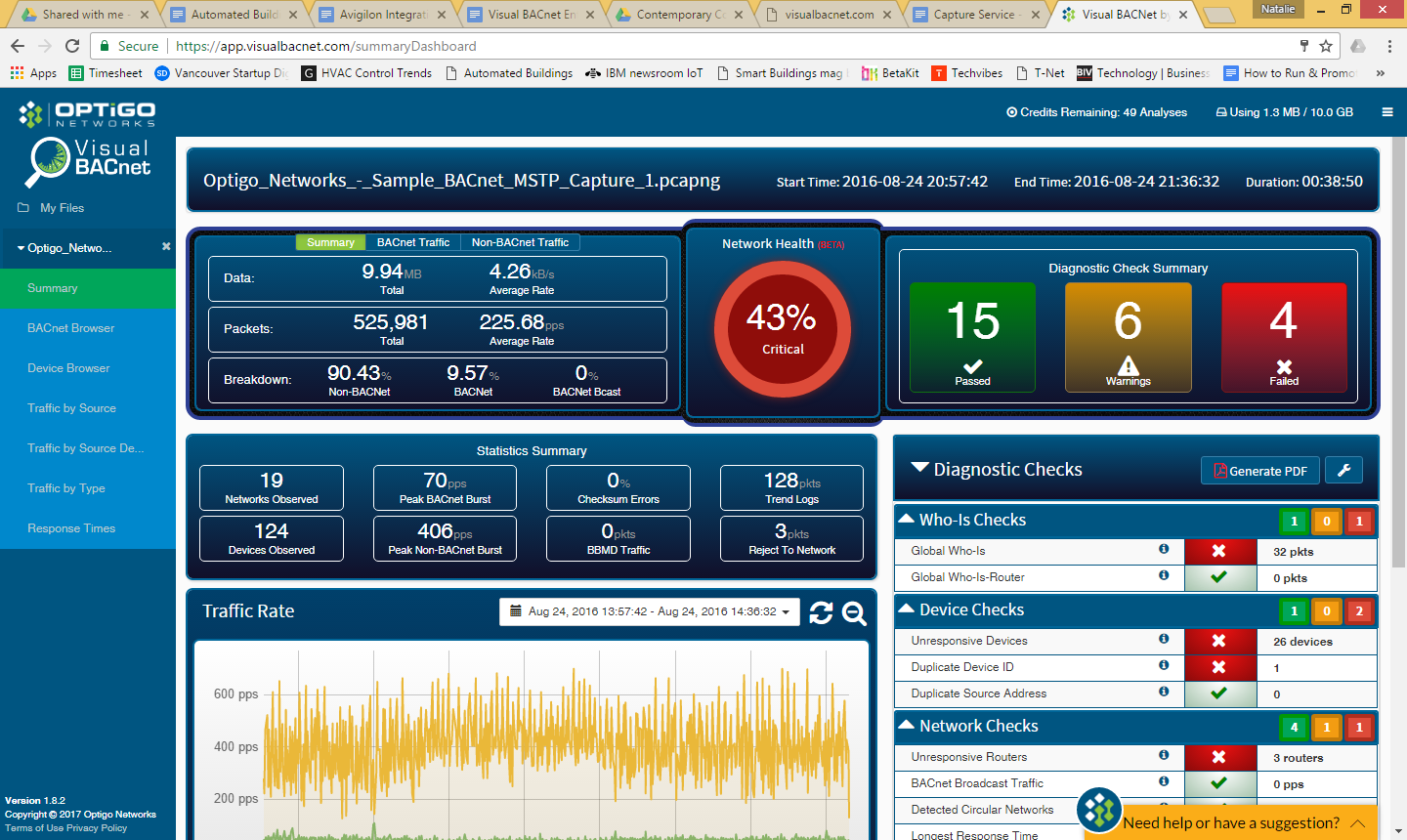
The Visual BACnet Capture Tool for Windows allows users to schedule pcaps, which will automatically upload into Visual BACnet. There, the pcap can be used to assess the network’s health, visualize trends and anomalies, and diagnose problems.
If you have not already downloaded and configured the settings in your Capture Tool, you can do so by following the instructions in our Quick Start Guide.
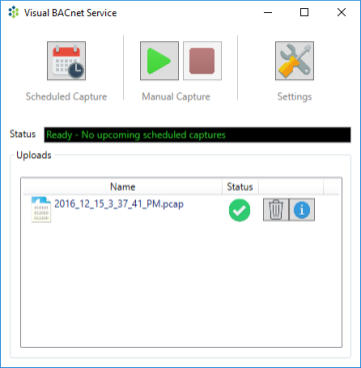
Once the tool is configured, you can schedule automated captures. Do this by clicking on the Scheduled Capture icon. Select New Event in order to choose the dates and times that you would like to schedule captures.
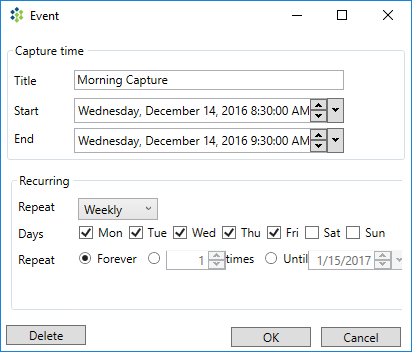
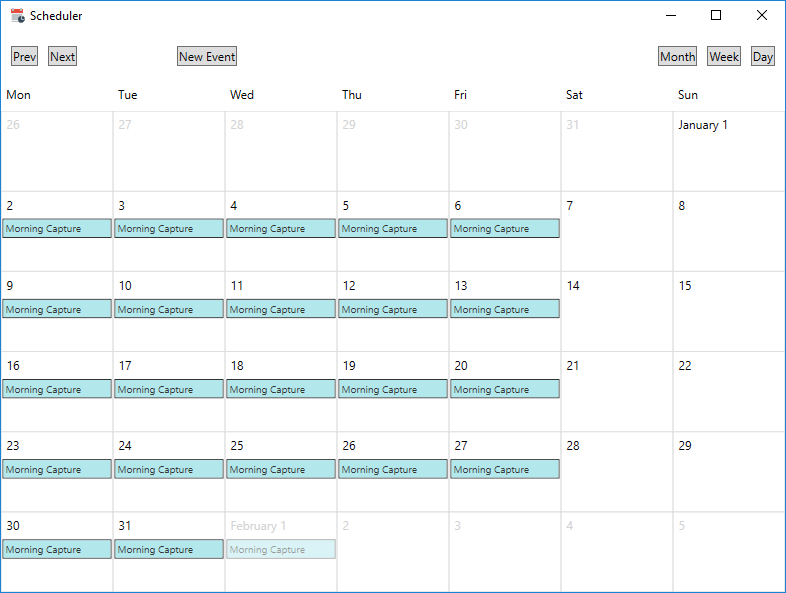
Specify the day, time, and length of your capture, and decide if you would like it to repeat. Set the frequency of the recurring event, and click OK to save. Confirm that these captures are scheduled for the correct days. Note that you cannot drag and drop the events on the calendar. Your schedule captures will automatically upload to Visual BACnet.
Comments
0 comments
Please sign in to leave a comment.